
1. Add a document
Scan with the camera or import pages from Photos, Files, or a PDF into the same local archive.
 Flatscan
OCR & search
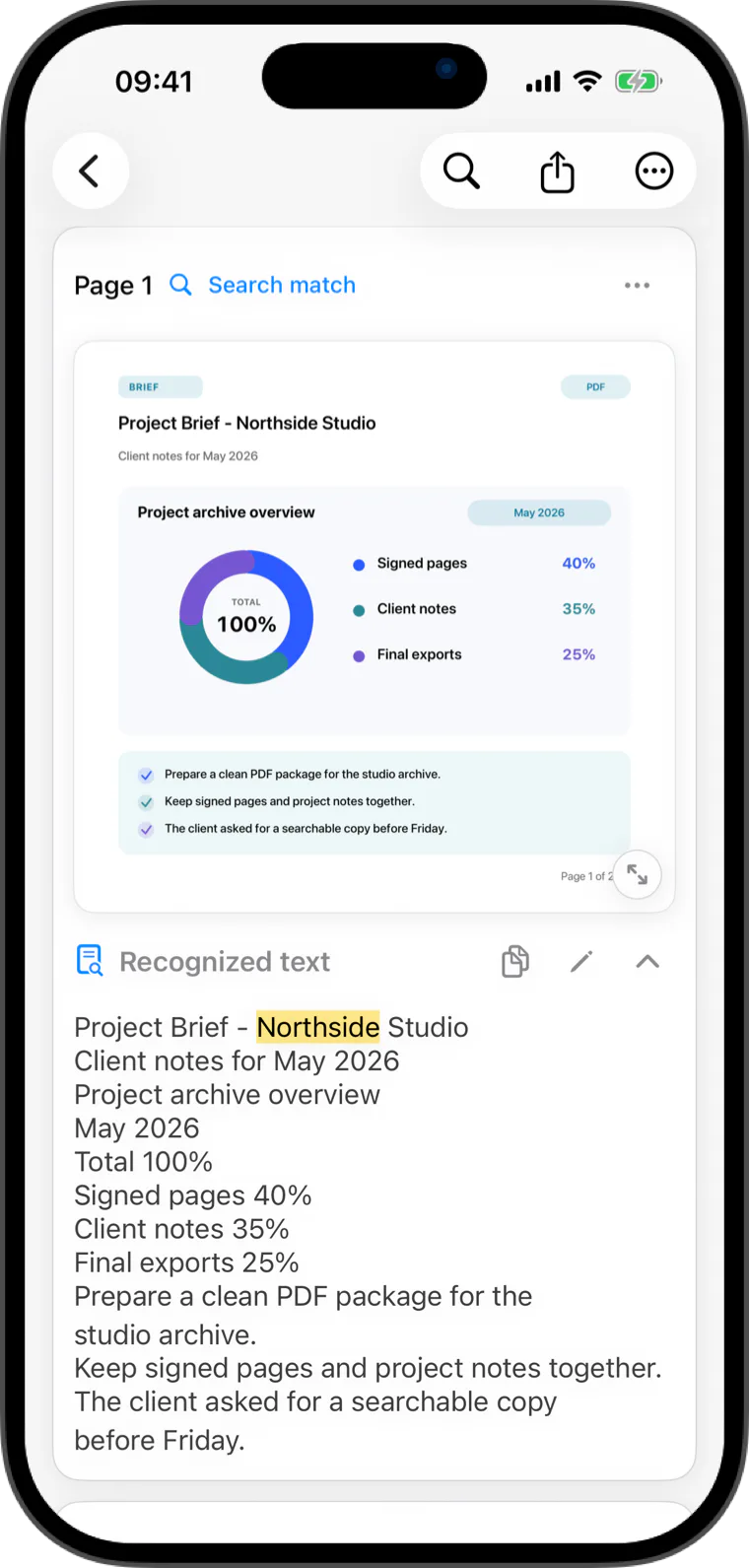
On-device OCR makes saved documents searchable, so a remembered word can lead you back to the right page.
Scan with the camera or import pages from Photos, Files, or a PDF. Flatscan uses Apple Vision to recognize text on your device, so you can search by a word you remember and return to the matching document page.
OCR & search
Recognize text in saved documents locally, then search it later without sending document text to Flatscan servers.
Export recognized text as UTF-8 TXT. During the Pro trial or with Flatscan Pro, you can also export a PDF with selectable text when OCR text is available.
Built for everyday paper
Scan with the camera or import pages from Photos, Files, or a PDF into the same local archive.
Flatscan uses Apple's Vision framework to recognize text locally. There is no server-side OCR pipeline.
Search recognized text and return to the matching document page instead of relying on a filename.
Quick answers
Flatscan uses Apple's on-device Vision OCR to recognize text in saved documents and make that text searchable inside the app.
No. OCR can be inaccurate, so review recognized text and exported files before using them in an important workflow.
Yes. During the 14-day Pro trial or with Flatscan Pro, documents with recognized text can export as PDFs with selectable text.
Flatscan